

Pay road tolls in Europe automatically
Get rid of the stress of road toll devices and payment terms in Europe! With a single device you pay road and bridge tolls automatically, simply and quickly, in 16 toll domains across Europe (15 countries, plus bridges and tunnels)!
- Free device
- No contract periods
- No deposits
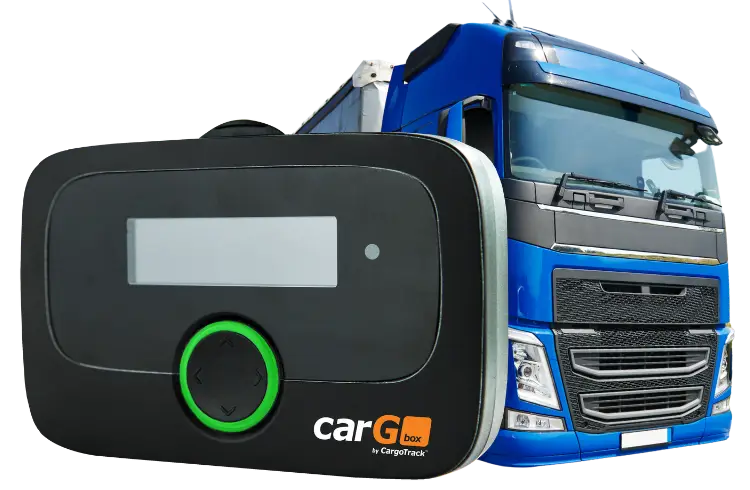
One device, road tolls across almost all of Europe
Installation and activation
The device must be installed in the vehicle by our specialists. Once activated, it’s ready to use.

Automatic detection
CarGObox communicates automatically with toll systems, processing payments as you pass the toll points in each country.
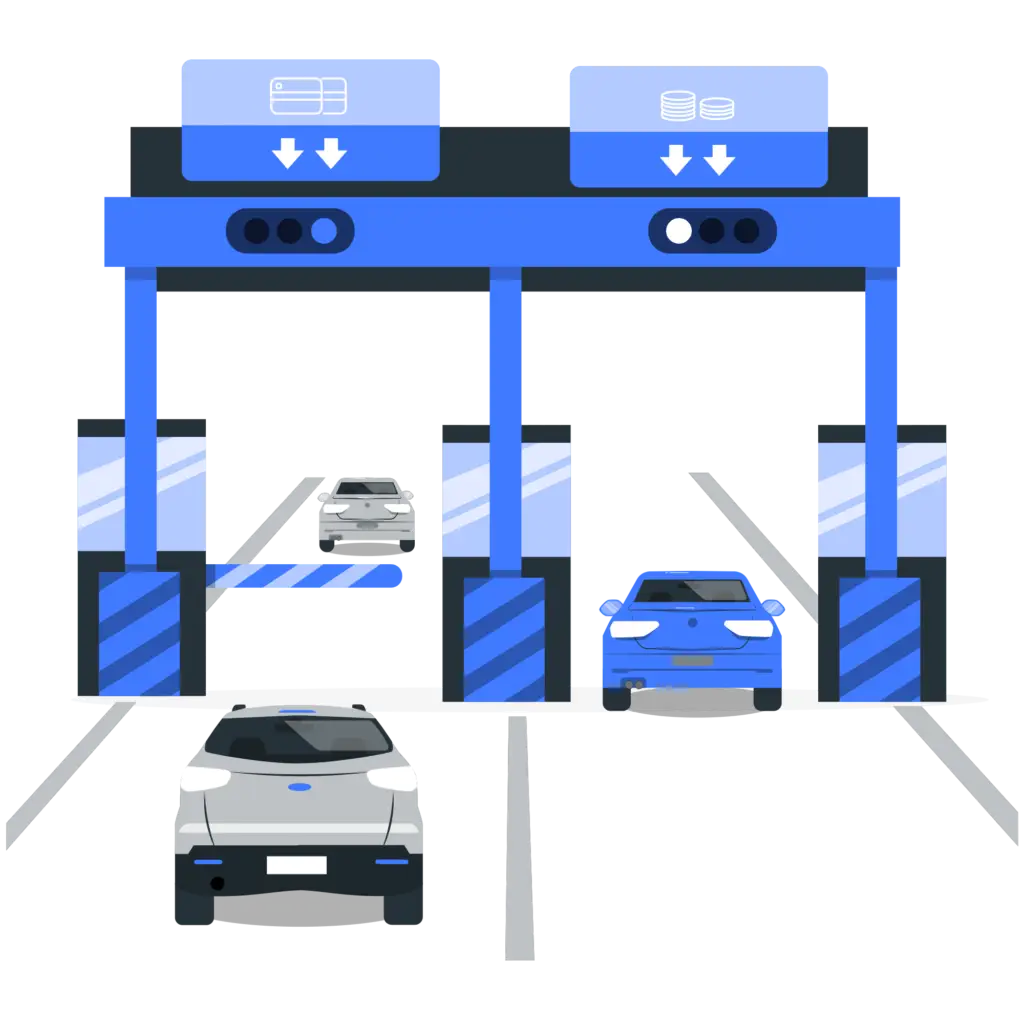
Centralized payments
Payment history is centralized and broken down by country, making financial management easier.

Why choose CarGObox?
No deposits
Customer support available
Invoicing by country
Low fees
Flexible offer
Zero purchase costs
Extensive coverage
Save time
Country coverage toll device
CarGObox opens the door to an extensive network of toll roads in Europe – simple, efficient payments in 16 toll domains across Europe (15 countries, plus bridges and tunnels).
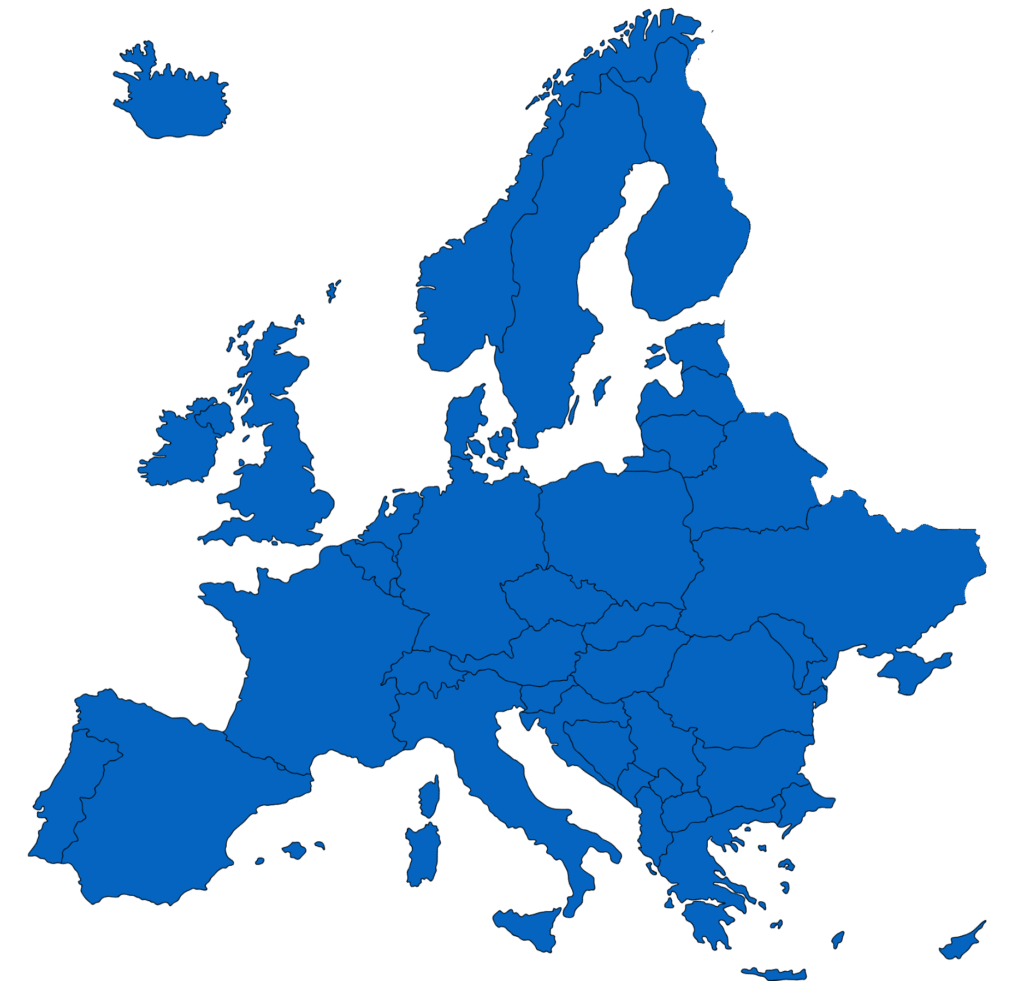
With CarGObox, you pay road tolls automatically easier than ever!
Countries covered:
Hungary, Germany, Bulgaria, Slovakia, Czech Republic, Slovenia, Italy, Spain, Poland, Belgium, Austria, France, Portugal and Switzerland.
Bridges and tunnels included:
Warnow Crossing and Herren Tunnel (Germany), Liefkenshoek Tunnel (Belgium), Storebælt Bridge (Denmark) and Øresund Bridge (Sweden).


Automatic payment of European road tolls with a single device!
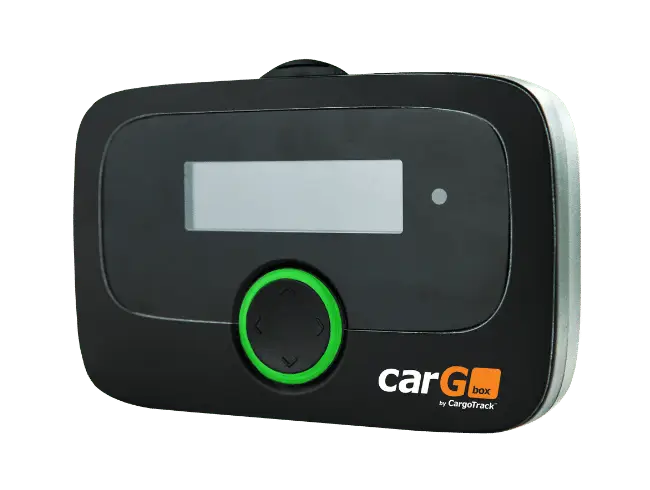
Contact us and discover CarGObox!
Questions and Answers
What is EETS?
EETS is a European initiative that aims to simplify road toll settlement in Europe for drivers, using a single device and working with a single contractual partner.
Which roads are subject to road tolls?
Each country has different rules and laws regarding road tolls. On our website you can find the information you need for the countries you are interested in.
Which vehicles are exempt from road tolls?
Road tolls for vehicles (trucks, cars, other vehicles) differ depending on the country you are transiting.
Where are road tolls paid?
Payment can be made in the following ways: automatically, through automatic toll payment devices (such as CarGObox); in person at toll stations; or by purchasing a vignette.
How can I order the CarGObox device?
You can fill out the form to get the device, and our team will contact you with more details.
How much does CarGObox cost?
Contact us and one of our colleagues will present our offer.
How do I install the device?
Our team of specialists will travel to your vehicles’ location to help you install the device.
How are road toll data transferred and how is the device personalized?
Road toll data is transferred using hybrid radio technologies (GNSS/DSRC/Bluetooth) to record road tolls for vehicles with a maximum authorized weight above 3.5 tons.
With the first order, the vehicle information and the booked road toll services are automatically stored on the on-board unit.
Road toll services can be added and booked via Over-The-Air (OTA) technology, and the axle declaration can be set manually on the on-board unit’s screen.
What does the CarGObox screen show while traveling in EETS countries?
Press and hold the up-arrow button for about 3 seconds and the device screen will display the menu. The menu shows: the booked road toll service, number of axles, license plate number, emission class, weight, battery level and signal.
How are the booked road toll services shown on the on-board unit’s screen?
Belgium: BEvia
Bulgaria: BGria
Czech Republic: CZmyt
Germany: DEbag
France: FRtis
Italy: ITsit
Austria: ATasf
Poland: PLeto
Portugal: PTvve
Switzerland: CHlsv
Slovakia: SKmyt
Spain: ESvia
Tunnel: Warnow and Herren: DEtun.
Liefkenshoek Tunnel: BEliT
Hungary: Hugo
Which parameters can the driver change on CarGObox?
The information the driver can change when needed is: language, number of axles, semi-trailer, current weight and cost center.
How can you change the number of axles?
Open the device menu by holding the down-arrow button for a few seconds. Press the down arrow until the “Trailer axles” menu appears.
Press the right arrow to open the “Trailer axles” menu and change the number of axles. From here you can choose 0, 1, 2, 3, 4 OR more axles, then press the right arrow for “Ok” menu appears.
How can I tell whether the on-board unit can be used?
CarGObox indicates that the device is working with a round green LED for all booked road toll services.
What do the round LED colors mean?
Green LED: The device is ready to pay road tolls. You may travel.
Yellow LED: The device is not personalized, or the road toll service for the vehicle’s location is not (yet) booked/activated. This may mean there is no road toll system in that region (e.g., the Netherlands) or that the local road toll service is unavailable.
Red LED: Indicates a critical problem. Do not travel. Contact us and we will assist you.
Exception: The on-board unit turns red after 30 minutes without a GPS signal. If you are in a tunnel or underground parking garage, move to an area with GPS signal.
LED off: Idle mode. The on-board unit goes idle after 30 minutes of inactivity and reactivates while driving or when connected to a power source.
Can CarGObox be used when transporting dangerous goods?
Yes. In this case, the device must be permanently installed in the vehicle.